
This knowledge base article outlines the steps necessary to recover a forgotten Security Answer for your billing account with Emerge.
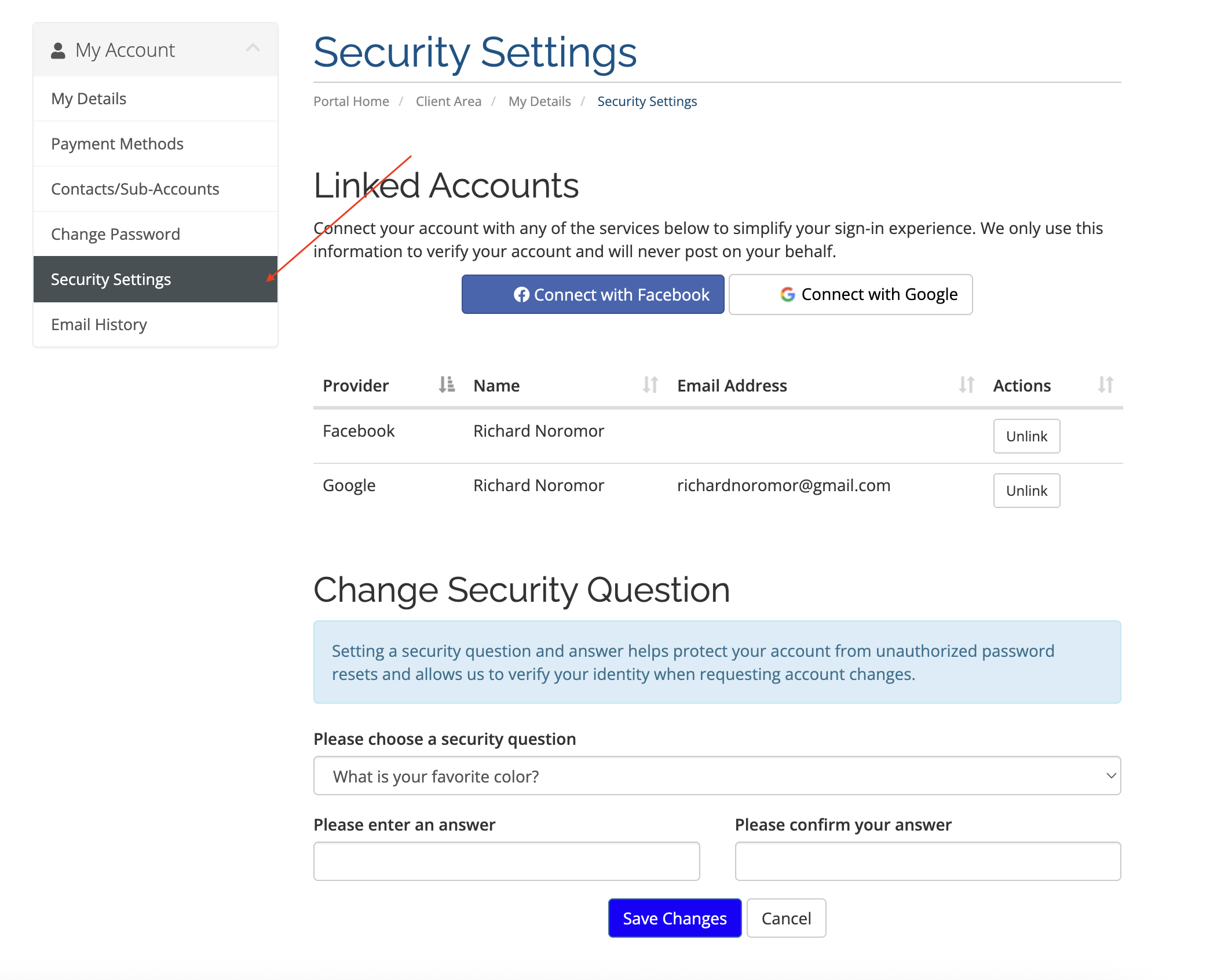
Initiate Recovery Process: Send an email to billing@emergelocal.com from your primary email address associated with your billing account if you've forgotten your Security Answer. This step is crucial to verify your identity as the authorized account manager.
Assistance from Billing Team: Our billing team will promptly attend to your request upon receipt of your email. They will assist accordingly to facilitate the recovery process.
Note: If you encounter any difficulties or have further questions regarding this process, don't hesitate to contact our Billing team at billing@emergelocal.com for assistance.